Testimonials
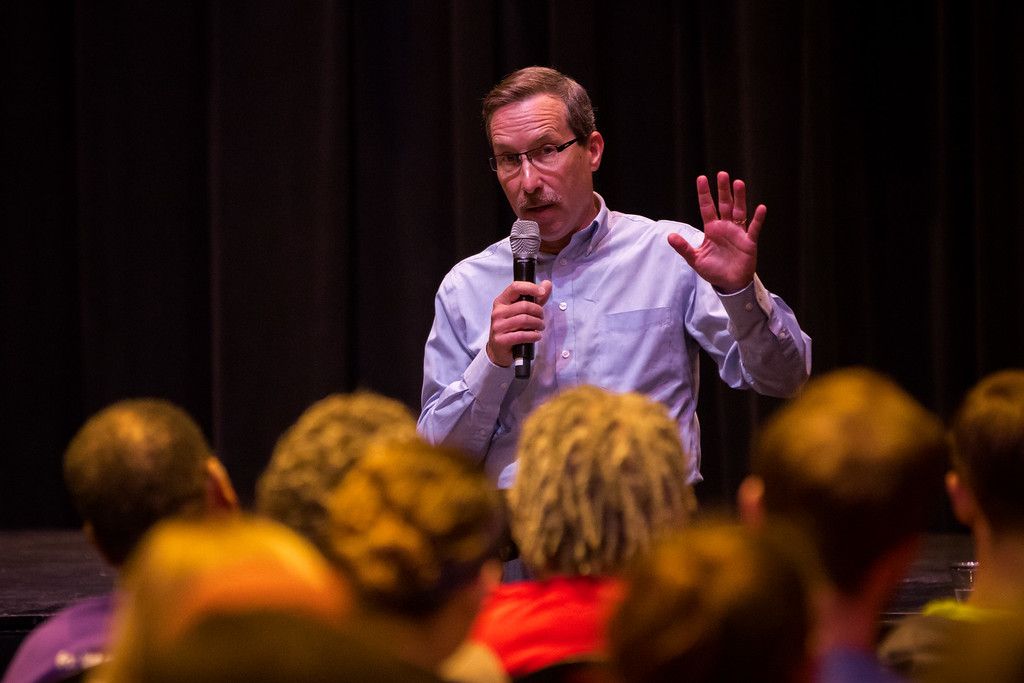
“You are an outstanding lecturer. Thank you for a course that was so informative, enjoyable and fascinating.” (a student)
“Bruce is one of a kind — engaging, knowledgeable, professional, friendly and just a super instructor.” (a student)
.
“Gourley’s detailed research … demonstrates how effective and informatively finely grained analysis can be …. exhaustively and meticulously researched …. the kind of detailed analysis that complicates previous answers to some very important questions.” (The Historian)
.
.
“This book succeeds on every level.” (The Journal of Southern History)
.
.
“… one of America’s most respected scholars of nineteenth-century American religion …” (The Journal of Southern Religion)
.
“Bruce T. Gourley’s Diverging Loyalties: Baptists in Middle Georgia During the Civil War is an engrossing, enlightening exploration of our nation’s greatest trauma …” (The Civil War Monitor)
.
“… an insightful scholar …” (a reader)
.
“I am REALLY enjoying your series on the religions of U.S. presidents. You have a gift for spotting the important information in the lives of people, and popularizing it in a way that is both fascinating and understandable.” (a reader)
.
“[Your] President Series is the BEST!!” (a reader)